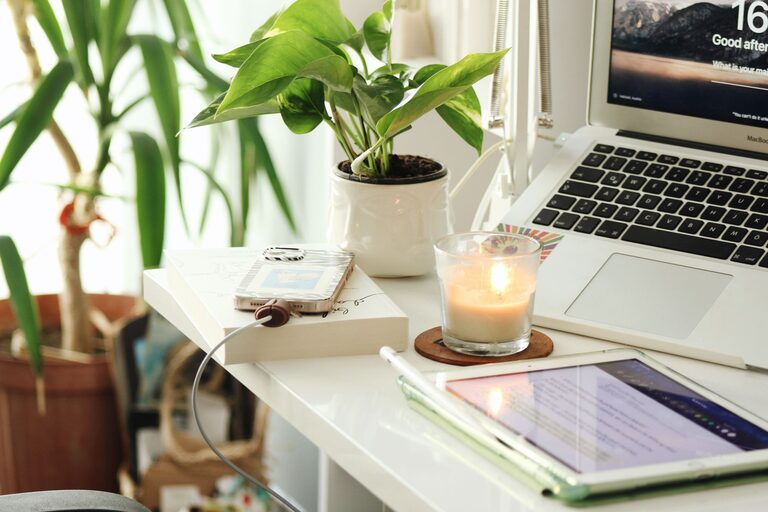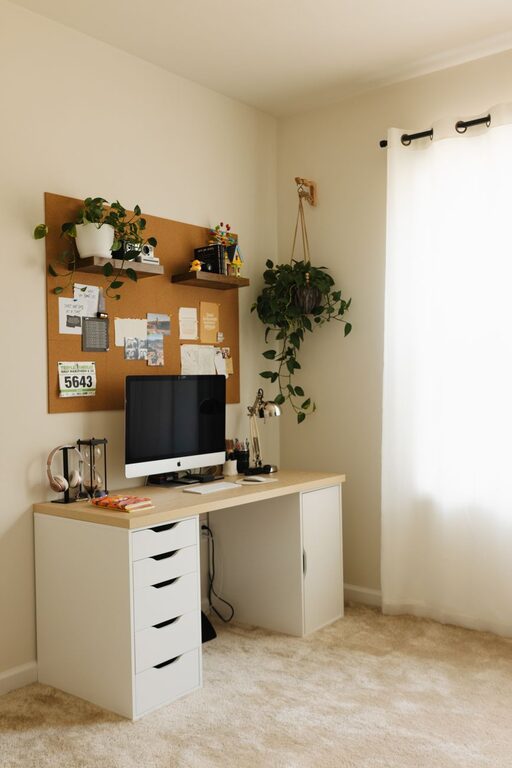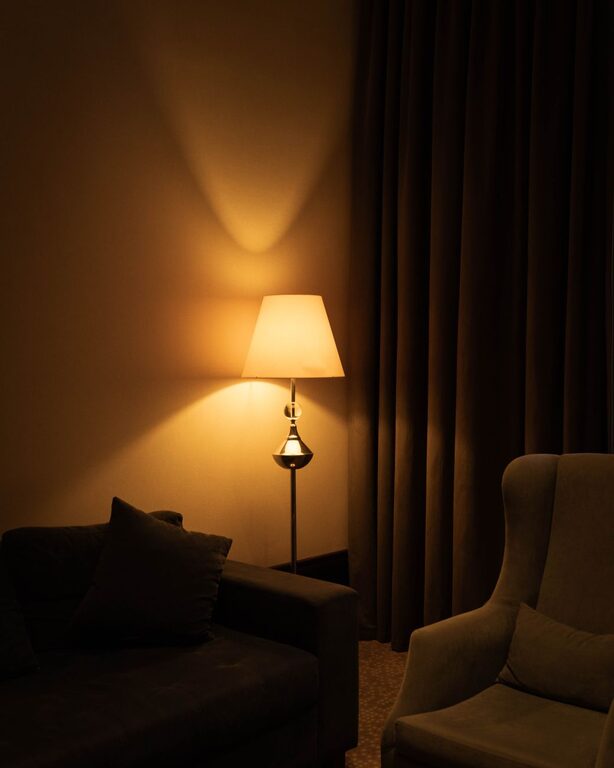
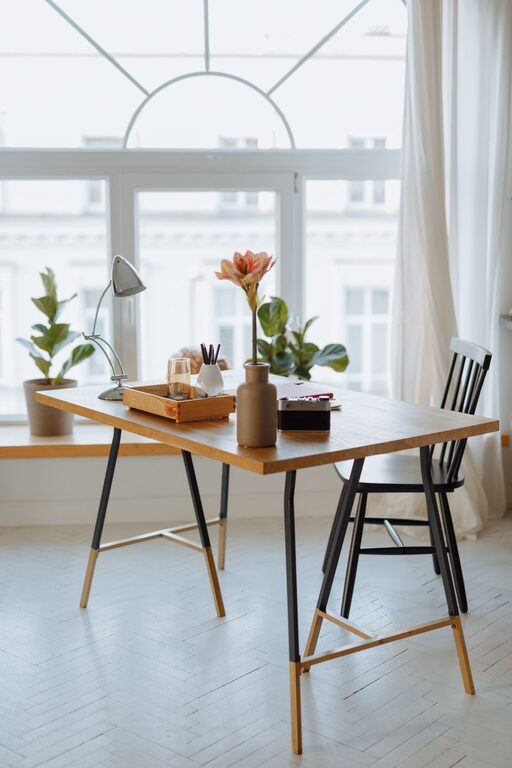
Creating a cozy and functional home workspace is essential for staying productive and comfortable, especially as more people embrace remote work or flexible schedules. A well-designed workspace not only boosts your efficiency but also helps reduce stress and encourages focus. Whether you’re working from a small corner or have the luxury of a dedicated room, these tips will guide you in making your home office both inviting and practical.
1. Choose the Right Location
Your workspace should be in a quiet area with minimal distractions. Consider a spot with good natural light, which improves mood and energy levels throughout the day. If privacy is limited, think about using room dividers or noise-canceling headphones to create a focused environment.
Tips for Selecting a Workspace Location:
– Near a window for natural light
– Away from high-traffic areas
– Close to power outlets
– Enough space for your desk and chair
2. Invest in Comfortable and Ergonomic Furniture
Spending hours at your desk means comfort is key. An ergonomic chair that supports your back and adjustable desks can prevent strain and improve posture. Your desk should be large enough to accommodate your computer, documents, and any tools you use regularly.
Essential Furniture Features:
– Adjustable chair height and lumbar support
– Desk at a comfortable height (usually around elbow level)
– Space for keyboard and mouse placement to avoid wrist strain
– Adequate storage options like drawers, shelves, or filing cabinets
3. Organize Your Workspace Efficiently
Clutter can be distracting and decrease productivity. Use storage solutions to keep your workspace tidy and organized.
Ideas for Organization:
– Use desk organizers for pens, papers, and office supplies
– Install shelves or cabinets to store books and files
– Employ cable management tools to avoid tangled cords
– Set up a filing system for important documents
Keeping your work area neat helps clear your mind and reduces time spent searching for items.
4. Personalize Your Space
A workspace that reflects your personality can make working from home more enjoyable. Incorporate elements that inspire and motivate you, but avoid overcrowding your area.
Ways to Personalize:
– Add plants to improve air quality and add greenery
– Display artwork, photos, or motivational quotes
– Use decorative yet functional items like colorful organizers or a stylish lamp
– Choose a calming color scheme that promotes focus
5. Optimize Lighting
Proper lighting is crucial to avoid eye strain and maintain alertness. While natural light is ideal, supplement it with artificial lighting where necessary.
Lighting Tips:
– Position your desk near a window but avoid direct glare on your screen
– Use adjustable desk lamps with warm or daylight bulbs
– Consider ambient lighting to reduce contrast between screen and surroundings
6. Minimize Distractions and Noise
Controlling distractions helps maintain concentration, especially in shared living spaces.
Strategies to Reduce Distractions:
– Use noise-canceling headphones or white noise machines
– Inform household members of your work hours and need for quiet
– Keep your phone on silent or use apps that limit notifications during work hours
7. Maintain Good Air Quality and Temperature
A comfortable environment supports focus and well-being.
Tips for Air and Temperature:
– Keep a window slightly open when possible
– Use air purifiers or humidifiers if needed
– Adjust thermostat to a comfortable temperature for extended sitting
8. Incorporate Break and Movement Space
Even a small space for stretching or short breaks can boost productivity and reduce fatigue. If your workspace allows, include an area where you can step away briefly from your desk.
Ideas for Movement:
– Use a yoga mat or small exercise equipment nearby
– Build in reminders or apps to encourage standing or walking breaks
– Try a sit-stand desk to vary your posture throughout the day
9. Use Technology to Your Advantage
Invest in tools that improve your workflow and reduce frustration.
Helpful Tech Tools:
– Large monitor or dual screens for multitasking
– Wireless keyboard and mouse for flexibility
– High-quality webcam and microphone for video calls
– Charging stations to keep devices powered and organized
10. Keep Your Workspace Flexible
As your needs change, your workspace should adapt. Choose furniture and accessories that can be rearranged or updated easily.
Flexible Workspace Ideas:
– Modular desks or tables
– Rolling carts for storage
– Clip-on lighting or accessories
– Easily changeable decor elements
—
By following these tips, you can create a home workspace that is both cozy and highly functional. The key is balancing comfort, organization, and personalization to craft a space where you enjoy working and stay productive every day.