Creating a home office that feels both cozy and productive can make a big difference in your daily work routine. Whether you’re working from home full-time or occasionally, designing a space that inspires focus and comfort can improve your efficiency and overall well-being.
In this post, we’ll explore easy-to-follow tips for setting up a home office that balances comfort with functionality. Let’s dive in!
Choose the Right Location
The first step to creating a cozy yet productive workspace is selecting the best spot in your home. Consider these factors when choosing your office location:
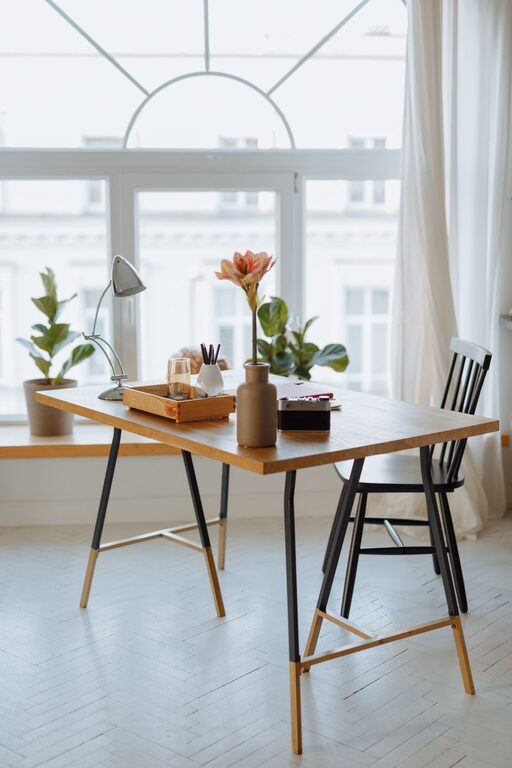
– Natural Light: A space near a window provides natural light, which helps reduce eye strain and boosts your mood.
– Quiet Environment: Look for a quiet corner away from high traffic areas or noisy appliances.
– Space Availability: Ensure there’s enough room for your desk, chair, and any necessary storage.
If you don’t have a dedicated room, a small nook or unused corner can also work well.
Invest in Ergonomic Furniture
Comfort is crucial in maintaining productivity for long hours. Ergonomic furniture supports good posture and reduces physical strain.
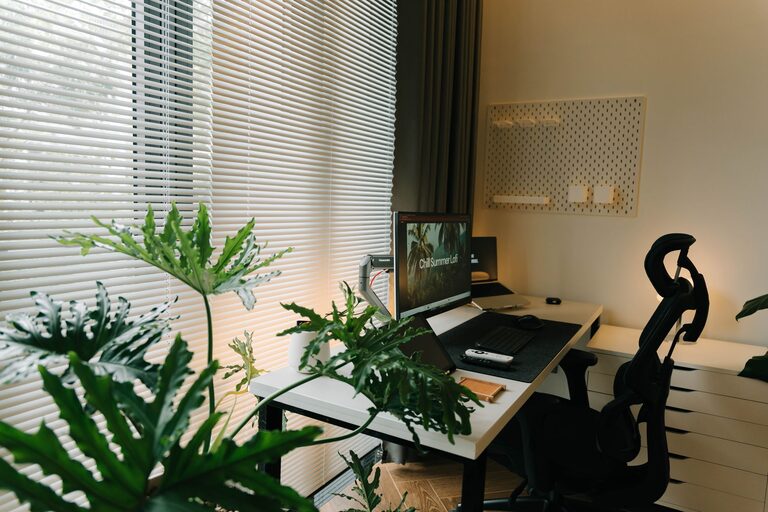
– Ergonomic Chair: Choose a chair with adjustable height, lumbar support, and comfortable padding.
– Desk Height: Your desk should allow your arms to rest at a 90-degree angle while typing.
– Footrest and Accessories: If your feet don’t rest flat on the floor, a footrest can help improve posture.
Opt for furniture that fits your space and budget but prioritizes your comfort and health.
Organize with Smart Storage Solutions
Clutter can quickly lead to distractions and stress. Keeping your space tidy enhances focus and makes your office a more inviting place.
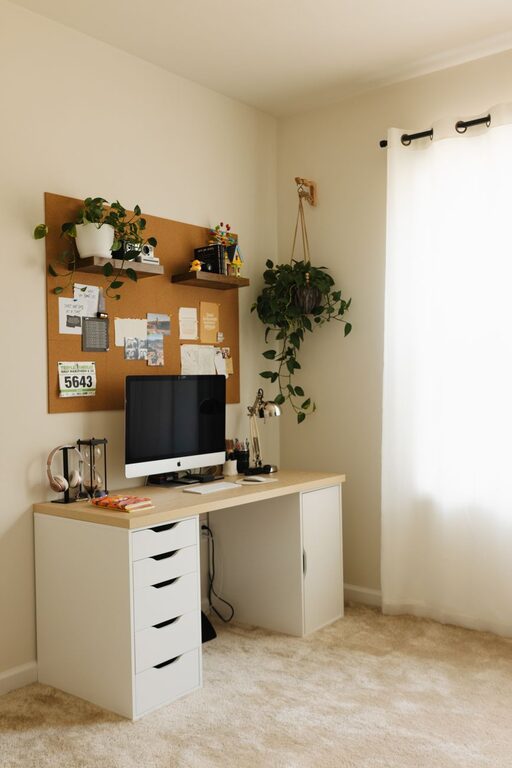
– Shelves and Cabinets: Use wall shelves or small cabinets to keep books, files, and supplies organized.
– Desk Organizers: Containers and trays help keep pens, paper, and other small items within reach but out of sight.
– Cable Management: Tame cables with clips, sleeves, or channels to avoid tangled wires.
Regularly declutter your workspace to keep it functional and visually appealing.
Personalize Your Space
Adding personal touches makes your office feel cozy and welcoming, which can improve your mood and creativity.
– Decor: Hang artwork, photos, or motivational quotes that inspire you.
– Plants: Indoor plants add color and life, while also improving air quality.
– Soft Textiles: A cozy rug or cushion can make your space warmer and more comfortable.
Balance personal items with a clean workspace to avoid distractions.
Optimize Lighting
Good lighting supports focus and reduces fatigue. Natural light is best, but you’ll also need artificial lighting, especially in the evening.
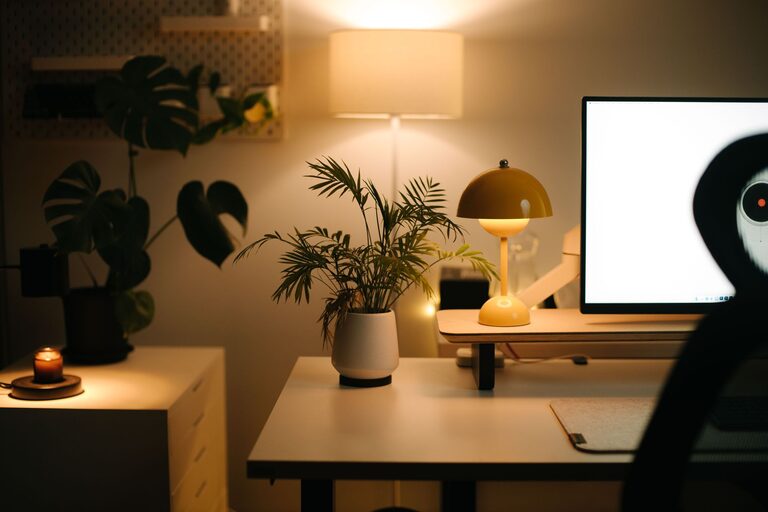
– Task Lighting: Use a desk lamp with adjustable brightness and direction for focused tasks.
– Ambient Lighting: Soft overhead or floor lamps create a comfortable atmosphere.
– Avoid Glare: Position screens and lights to reduce glare and reflections.
Consider bulbs with daylight or warm light settings, depending on your preference.
Create Efficient Workflow Zones
Planning your workspace layout helps you work more efficiently by grouping related activities.
– Work Zone: Place your desk and main equipment here.
– Storage Zone: Keep files, books, and supplies nearby but off your desk.
– Break Area: If space allows, add a small chair or corner where you can relax briefly.
This division helps maintain focus and switch tasks smoothly.
Maintain a Healthy Work Routine
Your home office environment supports productivity, but your habits play a big role too.
– Set Boundaries: Define your working hours and stick to them to maintain work-life balance.
– Take Breaks: Use short breaks to stretch, hydrate, or walk around.
– Stay Comfortable: Adjust your chair, lighting, and temperature as needed during the day.
A comfortable space combined with healthy routines keeps you motivated and energized.
Use Technology to Boost Productivity
Leverage tools and apps that can streamline your work and keep you organized.
– Noise-Canceling Headphones: Helpful when background noise is unavoidable.
– Productivity Apps: Try timers, to-do lists, or focus apps to manage tasks.
– Reliable Internet and Equipment: Ensure you have a strong internet connection and up-to-date devices.
Technology should complement your workspace, not complicate it.
—
Designing a cozy and productive home office doesn’t have to be complicated or expensive. By focusing on comfort, organization, lighting, and personal touches, you can create a space that motivates you every day. Start small, make adjustments over time, and enjoy your new home workspace!