Creating a productive home office space can make a significant difference in your work-from-home experience. Whether you are new to remote work or have been doing it for a while, organizing a dedicated, comfortable, and efficient workspace can help you stay focused and maintain work-life balance. In this post, we’ll explore practical tips to help you design a home office that enhances productivity and ensures you feel motivated throughout your day.
Choose the Right Location
Selecting the right spot in your home is the first step toward creating a productive office. Ideally, pick a space with:
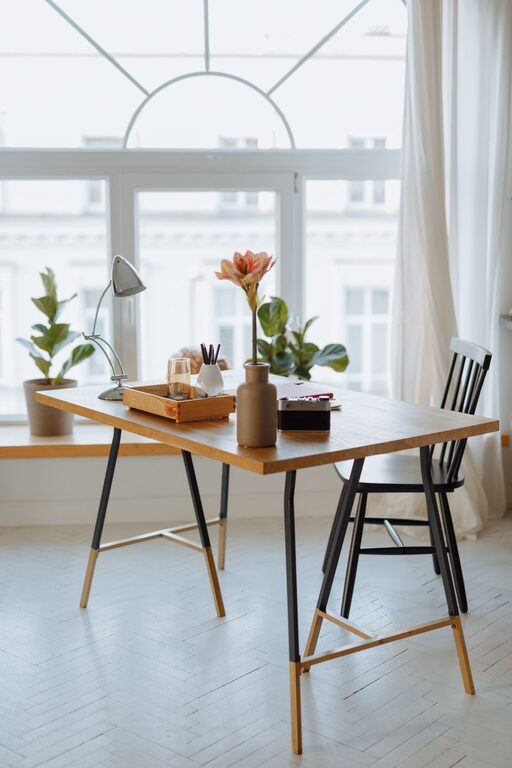
– Natural Light: A spot near a window allows natural light to reduce eye strain and improve mood.
– Low Traffic: Choose a quiet area to minimize distractions from family or household activities.
– Adequate Space: Ensure there’s enough room for your desk, chair, and any equipment you need.
If space is limited, even a small corner can be transformed with the right setup.
Invest in Comfortable Furniture
Your comfort directly affects your ability to concentrate and avoid fatigue.
Ergonomic Chair
An ergonomic chair supports your posture, reducing the risk of back and neck pain. Look for chairs with adjustable height, lumbar support, and comfortable padding.
Suitable Desk
Choose a desk at the right height for your body position to avoid strain. If possible, a desk with adjustable height or one that transitions between sitting and standing can add versatility.
Organize Your Workspace Efficiently
An organized workspace declutters your mind and helps you focus.
Keep Essentials Within Reach
Store frequently used items like pens, notebooks, and chargers within arm’s reach to avoid interruptions.
Use Storage Solutions
Shelves, drawers, or desk organizers keep papers and gadgets tidy and accessible.
Cable Management
Use clips or cable ties to keep cords organized and prevent tangling, which can create a messy environment.
Optimize Lighting
Good lighting is crucial for reducing eye strain and staying alert.
– Natural Light: Take advantage of daylight whenever possible.
– Task Lighting: Use a desk lamp with adjustable brightness for focused activities.
– Avoid Glare: Position screens and lights to minimize glare on your computer monitor.
Personalize Your Space
A touch of personalization makes your workspace inviting, which can increase motivation.
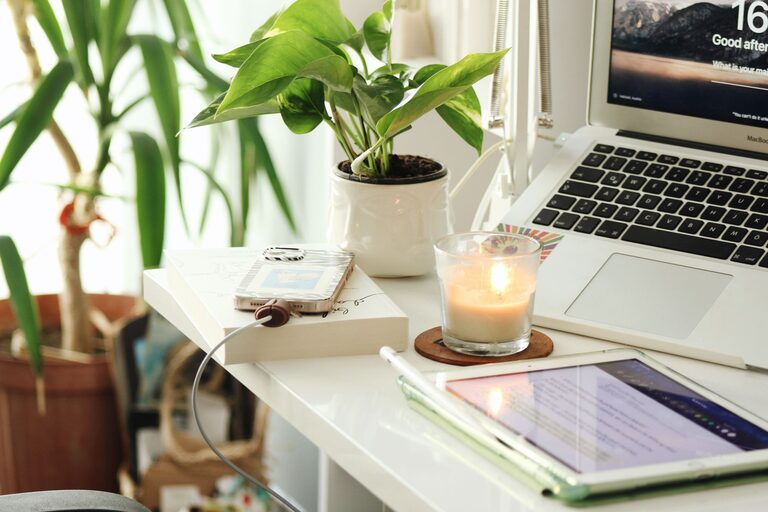
– Add plants for freshness and a natural vibe.
– Hang artwork or inspirational quotes.
– Use color schemes that suit your mood and preferences.
Minimize Distractions
A productive environment limits interruptions.
– Use noise-cancelling headphones if needed.
– Communicate your work hours to household members.
– Consider a “do not disturb” sign during focused periods.
Maintain a Routine
Consistency helps your brain associate your workspace with work.
– Set regular working hours.
– Take scheduled breaks to stretch and rest your eyes.
– Keep your workspace clean at the end of each day.
Use Technology Wisely
Leverage technology to support productivity.
– Use apps for task management and time tracking.
– Ensure your internet connection is reliable.
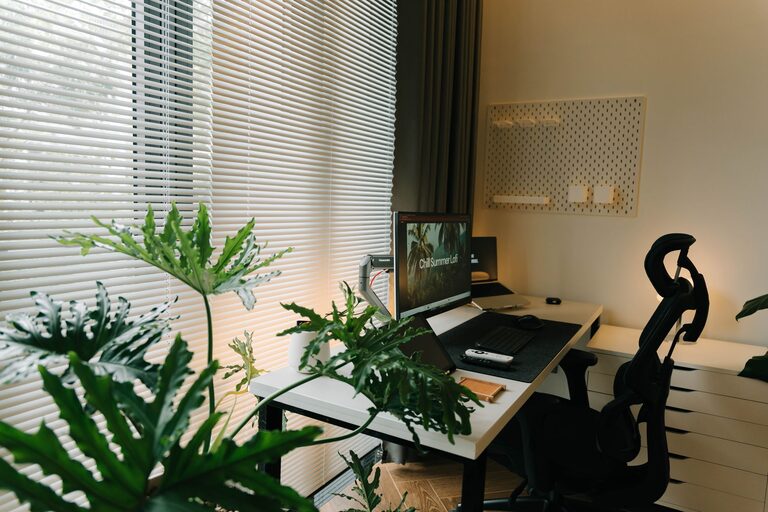
– Set up dual monitors if your tasks require multitasking.
Prioritize Health and Well-being
Your physical and mental health impact productivity.
– Take short breaks to stand, stretch, or walk.
– Keep water nearby to stay hydrated.
– Incorporate movement or exercises during the day.
Final Thoughts
Designing a home office that supports productivity doesn’t require a large budget or space, but it does benefit from intentional choices. By selecting the right location, investing in comfortable furniture, organizing efficiently, and personalizing your area, you can create a workspace that not only meets your practical needs but also inspires you to work at your best. Remember to blend comfort, organization, and routine to maintain a healthy and productive work-from-home lifestyle.