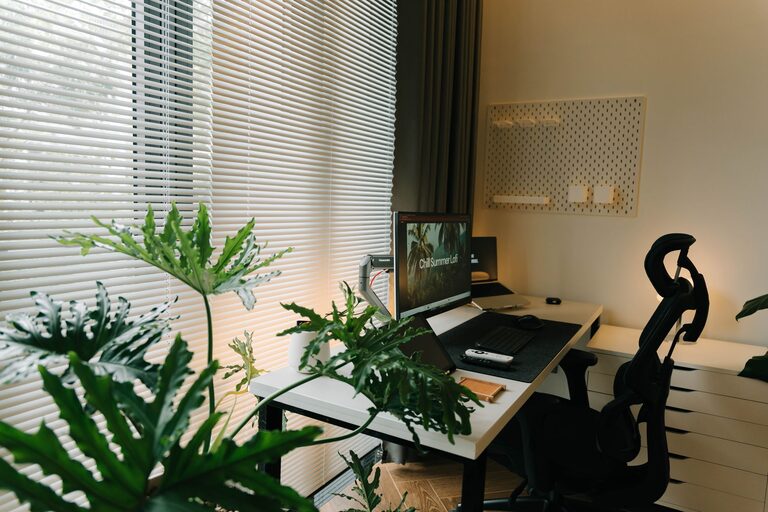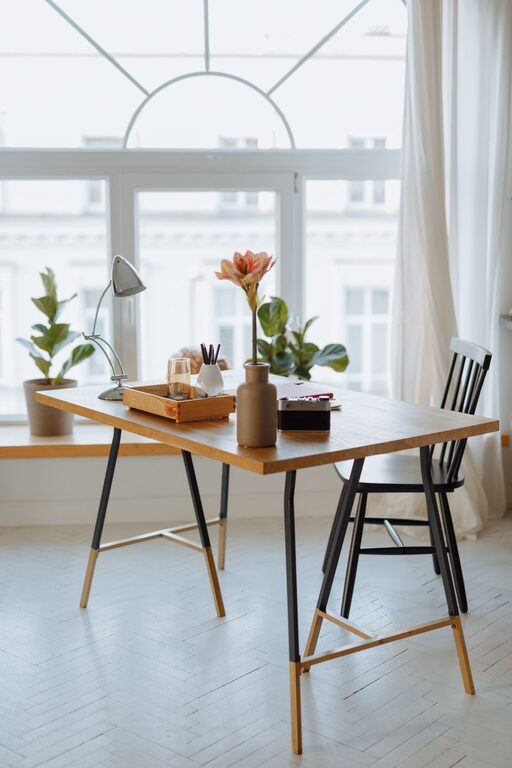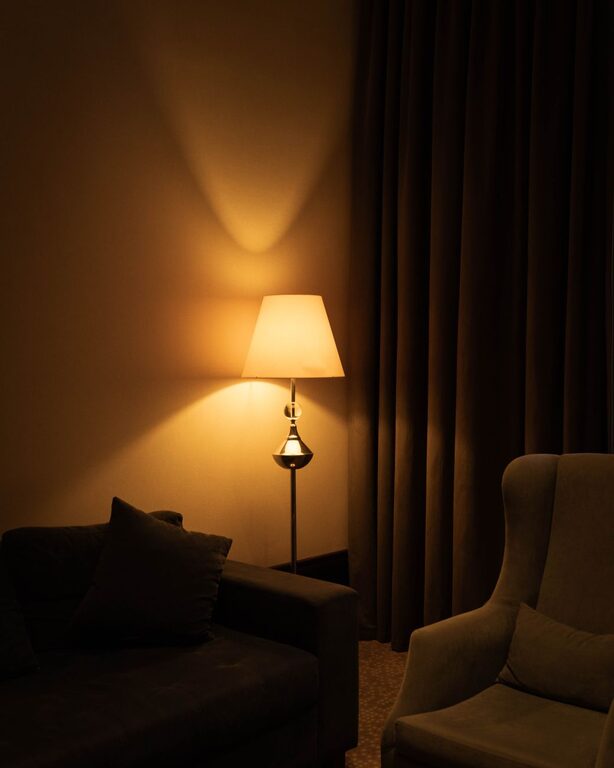

Creating a productive home workspace is essential for anyone who works remotely or spends significant time on tasks at home. A well-organized space helps reduce distractions, enhance focus, and improve your overall work experience. Whether you’re setting up a new home office or looking to refresh your current setup, these tips will guide you toward a more efficient and comfortable work environment.
1. Choose the Right Location
Start by selecting the best spot in your home for your workspace. Consider these factors:
– Natural Light: Position your desk near a window if possible. Natural light boosts mood and alertness.
– Quietness: Choose a quiet area away from high-traffic zones to minimize interruptions.
– Space: Ensure there is enough room for your desk, chair, and any equipment you need.
2. Invest in Comfortable Furniture
Comfort plays a big role in your productivity and health.
– Ergonomic Chair: Invest in a good chair that supports your back and encourages proper posture.
– Adjustable Desk: A desk at the right height reduces strain on your shoulders and wrists. Consider a standing desk if you want the option to alternate between sitting and standing.
– Proper Desk Size: Your desk should be spacious enough for your computer, keyboard, and workspace essentials without feeling cluttered.
3. Organize Your Desk Efficiently
A cluttered desk can make it harder to concentrate. Follow these tips to keep your desktop tidy:
– Use Organizers: Desk trays, drawer dividers, and pen holders keep small items in place.
– Limit Personal Items: While personal touches are nice, try to keep them minimal to avoid distractions.
– Cable Management: Use clips or cable sleeves to prevent cords from tangling and cluttering your surface.
4. Optimize Technology Setup
Technology is a backbone of a home workspace, so make sure it’s reliable and efficient.
– High-Speed Internet: A stable and fast connection is vital for video calls and online work.
– Monitor and Keyboard: Use an external monitor and keyboard to improve ergonomics and ease of use.
– Headphones: Noise-cancelling headphones can help block out background noise.
5. Create a System for Paper and Digital Files
Organizing your papers and files helps you find what you need quickly.
– Physical Filing System: Set up folders, bins, or cabinets labeled clearly for important documents.
– Digital Organization: Use cloud storage and organize files in well-named folders. Regularly back up important data.
6. Set Up Good Lighting
Proper lighting reduces eye strain and creates a more welcoming workspace.
– Task Lighting: Desk lamps with adjustable brightness help focus light where you need it.
– Ambient Lighting: Soft room lighting complements natural light and helps reduce contrast on screens.
7. Incorporate Plants and Personal Touches
Adding a bit of greenery or personal decor can improve mood and motivation.
– Low-Maintenance Plants: Succulents or air plants add a fresh touch without much upkeep.
– Artwork or Photos: Choose a few inspiring images or quotes that keep you motivated without crowding your space.
8. Establish Boundaries and Routines
Setting clear boundaries between work time and personal time enhances productivity.
– Set Work Hours: Decide on specific times to start and end your workday.
– Create Transition Rituals: Simple routines like making a cup of coffee before starting or a short walk after finishing can help separate work from home life.
– Use “Do Not Disturb” Signals: Let family or roommates know your work hours to minimize interruptions.
9. Keep Your Workspace Clean
A clean space promotes focus and reduces stress.
– Daily Tidying: Spend a few minutes clearing your desk at the end of every day.
– Weekly Deep Clean: Dust surfaces, wipe screens, and vacuum or mop the area regularly.
10. Personalize to Fit Your Workflow
Everyone works differently, so tailor your workspace to your habits.
– Adjust Layout: Arrange your desk and tools based on how frequently you use them.
– Use Productivity Tools: Whiteboards, sticky notes, or digital planners can help track tasks.
– Incorporate Break Areas: If space allows, include a comfy spot for short breaks to recharge.
—
By taking the time to organize a well-thought-out home workspace, you’re setting yourself up for greater productivity, comfort, and satisfaction in your work-from-home routine. Remember, small changes can make a big difference. Experiment with these tips and adjust based on what feels best for you. Happy organizing!